RSI Prevention for Mac Users: Protecting Your Hands and Wrists
If you use a Mac for work (whether you're a developer, designer, writer, or knowledge worker), your hands and wrists are constantly in motion. Typing, clicking, swiping on the t...
60sReset fits guided desk exercises around your real schedule — even night shifts. Move more, hurt less, stay focused.

60sReset is packed with features designed to help you maintain a healthy lifestyle while working at your desk.
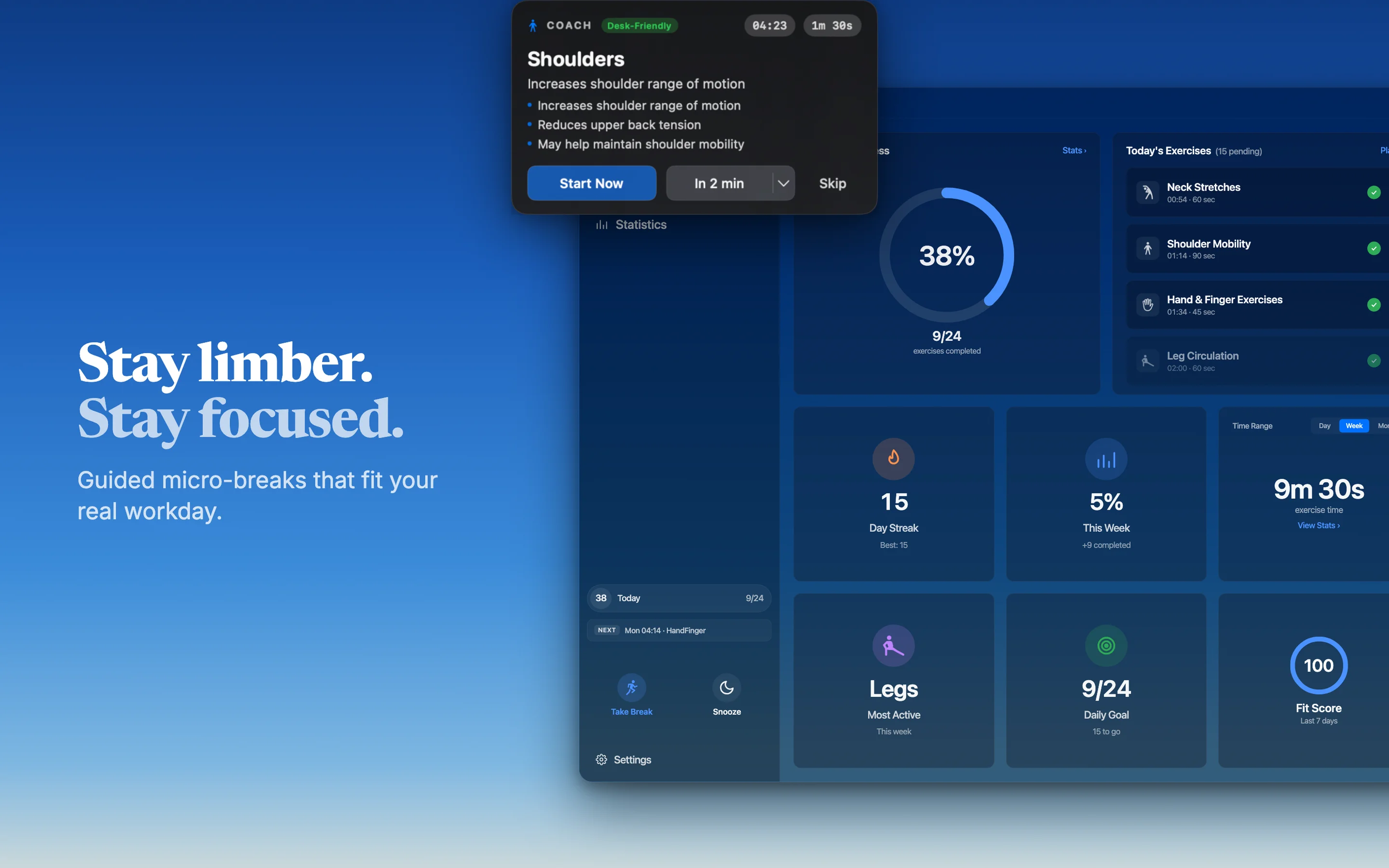
Coach prompts arrive at the right moment, tuned to your work schedule. Cross-midnight night shifts handled correctly.

Real benefits from consistent movement during your workday.
Targeted desk movements can help reduce neck, shoulder, back, and wrist discomfort from long sitting.
Short movement breaks support circulation and oxygen flow, helping you stay alert throughout the day.
Regular micro-breaks may improve concentration, mental clarity, and task quality during long work sessions.
Consistent 5-minute sessions make movement easier to sustain without disrupting your workflow.
Five-minute setup, then 60sReset fits movement into your real day.
Pick Auto or Fixed mode and tell 60sReset your work hours. Cross-midnight night shifts are first-class.
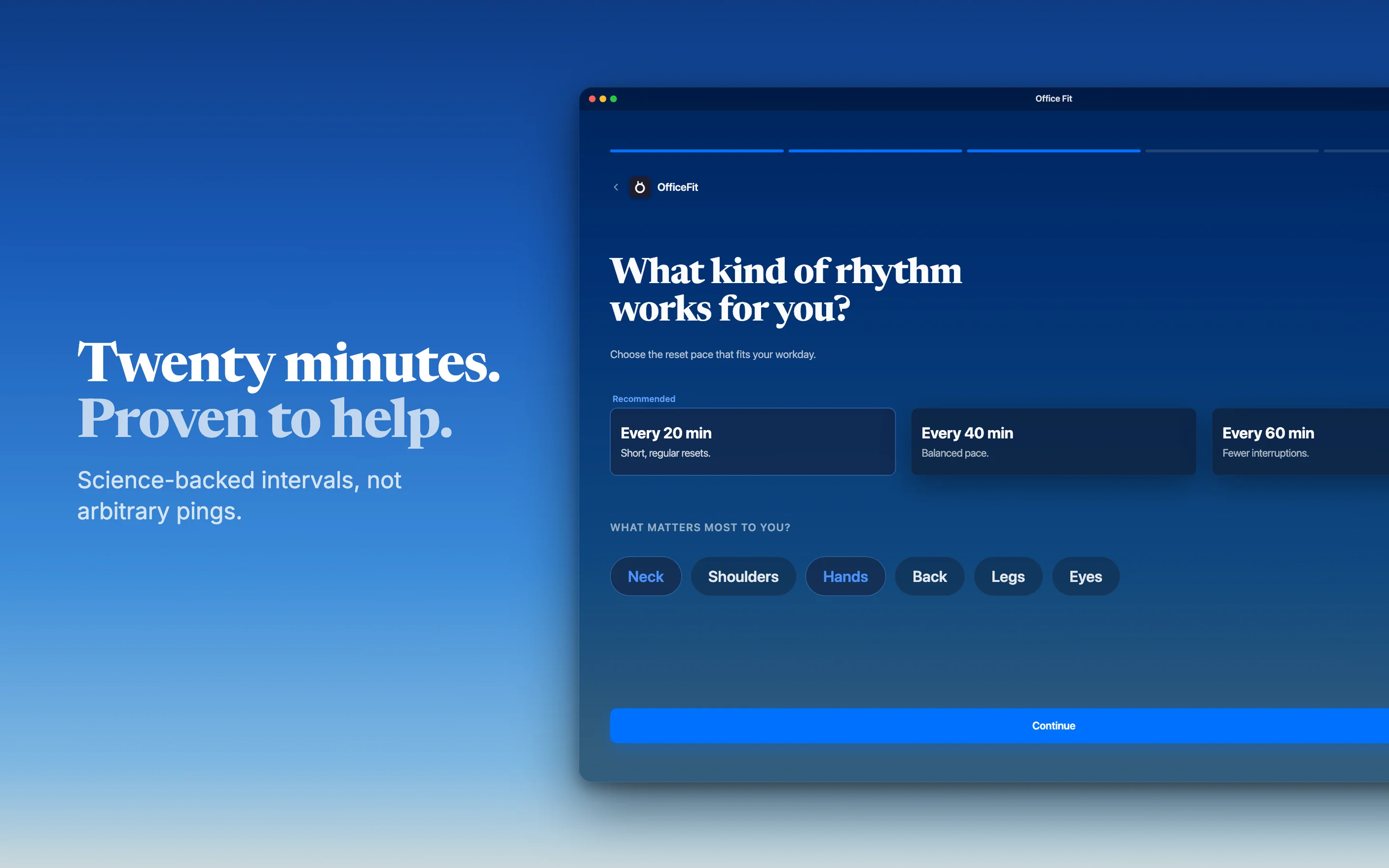
20, 40, or 60-minute exercise intervals. Pick the exercise types you want — neck, shoulders, hands, legs.
Gentle reminders arrive at the right moment. Start now, snooze, or skip — your call, no guilt.
Step-by-step instructions for each exercise. Short, focused, and designed for desk life.
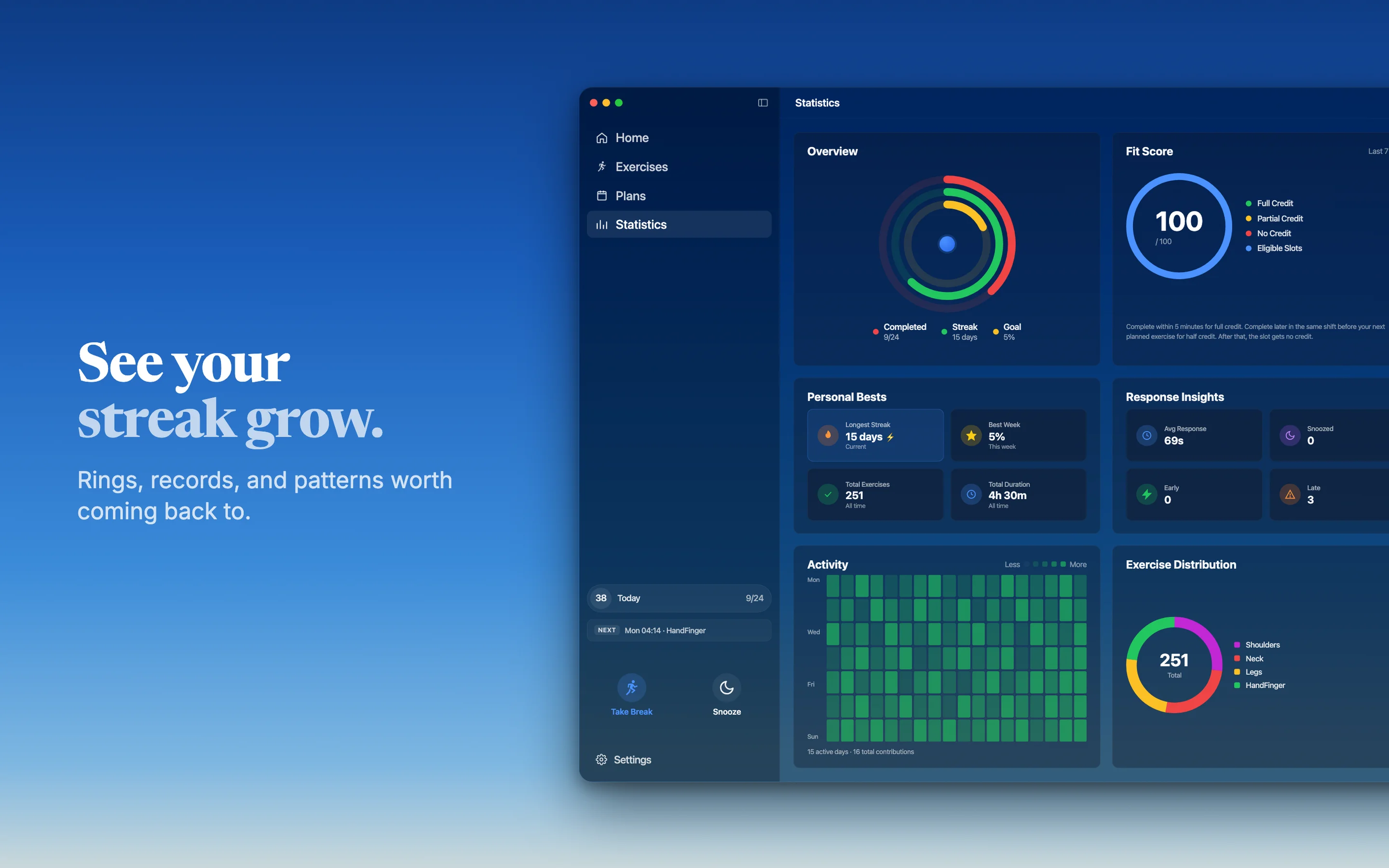
Watch your Fit Score, streaks, and weekly heatmap grow. Pro unlocks deeper trends and full week history.
A quick look at how guided exercises fit into your workday without interrupting your flow.

Every detail is designed to make desk movement effortless.
Each exercise is designed for a brief break — no gym, no gear, no prep.
Night shift or rotating schedule? A Friday-night session that ends Saturday at 3am still belongs to Friday.
Adherence score on Home and Stats. Rewards on-time completion across the week.
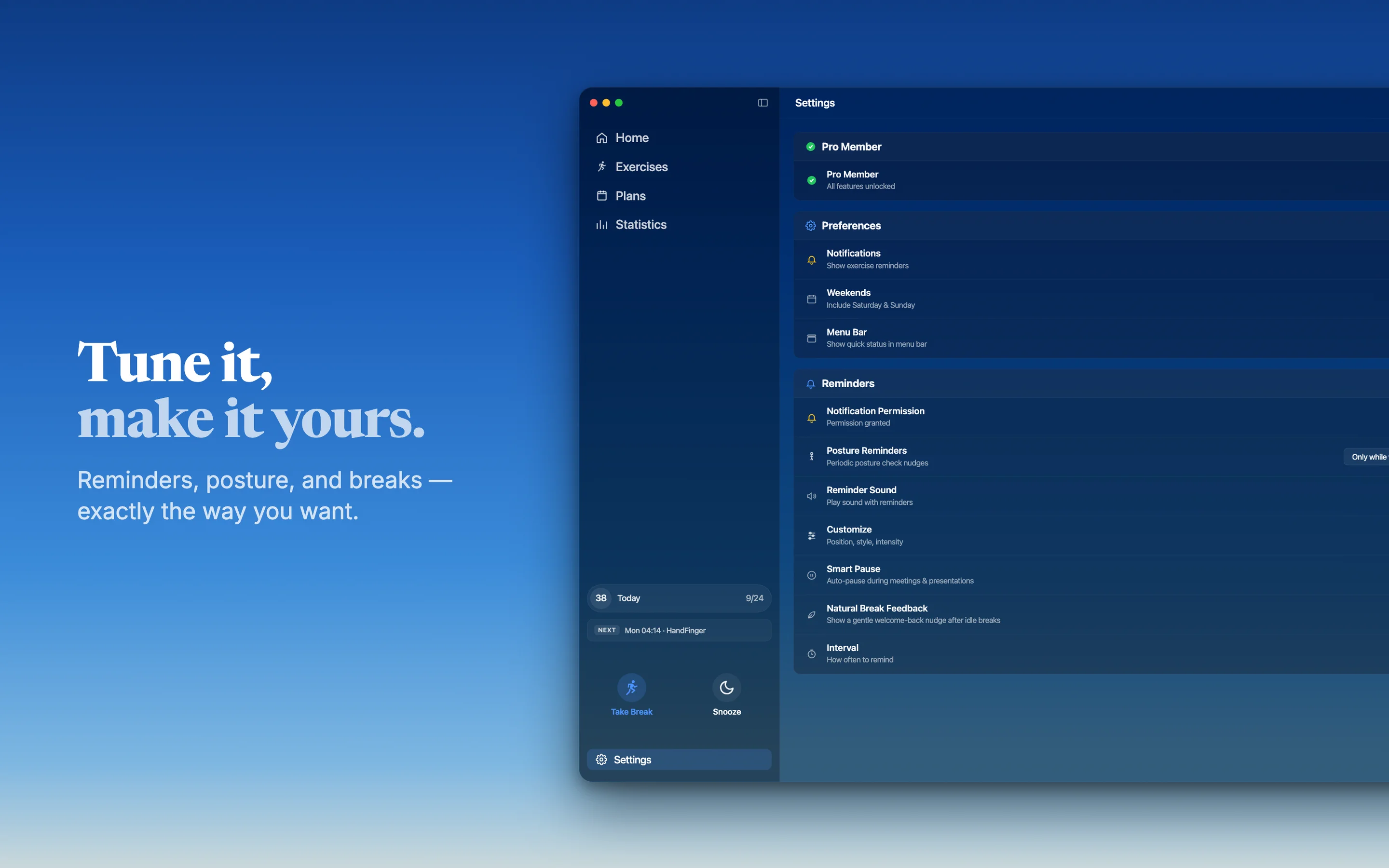
Subtle 3-pulse amber border around your screen for posture cues. Non-intrusive and click-through.
Three modes: Off, Only While Working, or Always On — fits your day, not the other way around.
Move between Auto and Fixed shift modes seamlessly without losing your plan.
One-click pause inside an active shift when you need a moment off the keys.
Smart conflict resolution when you add an exercise to a busy slot.
Free includes 2-minute snooze. Pro unlocks split menu with 2, 5, or 10 minutes.
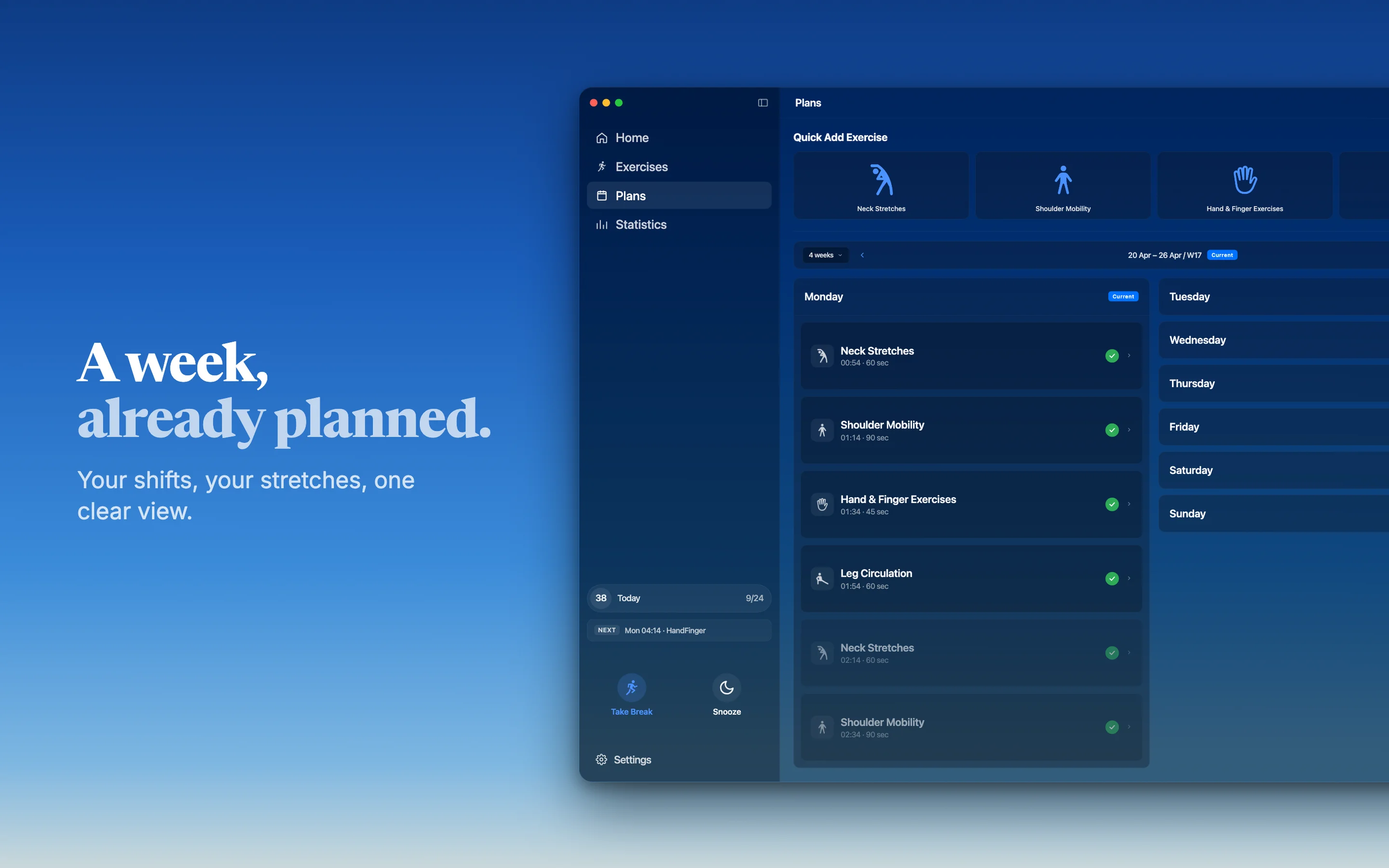
Browse past weeks with a clean, single-column accordion timeline.
Exercise breakdown donut, best records, and response insights for deeper trends.
Pick your exercise types, set preferred times, and choose 20 / 40 / 60-minute intervals.
Weekly bar chart and 365-day heatmap keep your momentum visible.
Organize exercises across your work week in one view.
Everything you need to know about 60sReset.
60sReset is live on the Mac App Store. Download free for macOS 14 and later — no card required to start.
Take control of your health with guided exercises designed for professionals who care about their well-being.
Free to download • Pro features available
Practical guides to improve desk health, focus, and consistency.

If you use a Mac for work (whether you're a developer, designer, writer, or knowledge worker), your hands and wrists are constantly in motion. Typing, clicking, swiping on the t...

You sit down at your desk at 9 AM. By 11, your neck feels tight. By 2 PM, there's a dull ache. By 5, you're rotating your head trying to release the tension.

If you work at a desk, you already know the feeling. Your neck gets stiff after a couple of hours. Your shoulders start aching by midday. Your wrists hurt from typing. Your legs...