How to Lower Your Risk of RSI at the Computer: A Mac Guide
Your wrists ache after a day of typing and trackpad work. RSI (repetitive strain injury) is a term for pain caused by repeated movement. Asking how to prevent RSI when using a computer? Nothing guarantees it, but these habits may lower your risk: a keyboard at elbow height, straight wrists and a 60-second break every 20 to 40 minutes.
What is RSI from computer use?
RSI, or repetitive strain injury, is a general term for pain caused by repeated use of a body part. The NHS lists the shoulders, elbows, forearms, wrists, hands and fingers among the places it can affect, and names typing among the repetitive activities that can cause it. The symptoms usually start gradually.
The repetition adds up fast. OSHA's computer workstations guide says a proficient typist can easily make more than 18,000 keystrokes an hour. It adds that mouse work concentrates the motion in a few fingers of one hand, and that repetition combined with awkward postures and force may increase the risk of injury.
Repetitive work does not always lead to RSI, though. The NHS points out that many people do the same job for years without a problem. Pain in a part of the body like the arm often comes from a combination of things, including aging.
Early signs of RSI from typing
The NHS lists these symptoms of RSI:
- Pain that may feel like burning, aching or throbbing
- Stiffness and weakness
- Tingling, pins and needles or numbness
- Muscle cramps
- Swelling
These signs overlap with other conditions, such as carpal tunnel syndrome. The NHS advises against trying to diagnose the cause of wrist pain yourself, and only a clinician can diagnose what is behind your symptoms. If a warning sign in the doctor section below applies to you, get checked before you try the moves in this guide.
Why Mac users are exposed
A MacBook puts the screen, keyboard and trackpad in one slab, so they cannot all sit in the right place at once. Four Mac setups are worth checking:
- The front edge. On a MacBook, your wrists or forearms can end up resting on the front edge of the case while you type. OSHA calls this contact stress: resting your forearms on a hard edge may irritate nerves, and your fingers may tingle or feel numb.
- The trackpad reach. A Magic Trackpad parked far to the side of an external keyboard means reaching for it all day. OSHA links a pointing device that sits away from the keyboard to awkward wrist and shoulder postures.
- The low screen. A laptop screen sits well below eye level, so you tend to hunch toward it, and raising the laptop lifts the keyboard away from a relaxed elbow. OSHA notes that smaller keyboards, such as those on laptops, may contribute to stressful postures. If your neck aches too, try these desk neck stretches.
- Long, focused stretches. Coding, writing and design work can hold you in one posture for hours with no natural pause. OSHA notes that a computer user may stay in essentially the same posture for an entire shift.
Can you prevent RSI when using a computer? Habits that may lower your risk
Nothing guarantees it, but the habits below may lower your risk by keeping your wrists straight and breaking up the repetition. Start with your setup, because it keeps working for you between breaks.
Keyboard and trackpad position
- Put the keyboard directly in front of you. Let your elbows hang close to your body at about keyboard height, with your shoulders relaxed. The UK Health and Safety Executive (HSE) suggests a keyboard just below elbow height.
- Keep your wrists straight. They should stay in line with your forearms, not bent up, down or to either side. If keyboard feet tip your wrists upward, fold them away.
- Bring the trackpad or mouse close. Place it right next to the keyboard, at about the same height and roughly in line with your elbow, so you do not have to reach across the desk.
- Give a MacBook its own keyboard for long sessions. For all-day work, HSE suggests a separate keyboard and mouse so the laptop screen can go up on a riser.
- Keep hard edges away from your wrists. If the desk or laptop edge presses into your wrists or forearms, move the keyboard back or use a soft, rounded support.
Typing technique
How you press and click matters too:
- Use a light touch. OSHA's pointer and mouse guidance says to set a pointing device so you can control it with a light touch, and not to grip it tightly. On a Mac, Trackpad settings let you choose how firmly you must press to click, or turn on Tap to click.
- Set a comfortable tracking speed. In the same settings, pick a speed that lets the pointer cross the screen without big wrist movements. OSHA makes the same point for any pointing device.
- Let your hands float while you type. OSHA says your hands should move freely above a wrist rest while you type, because resting your wrists may restrict their movement and could increase awkward angles.
- Use two hands for key combinations. Press shortcuts such as Shift-Command-4 with a finger from each hand instead of stretching one hand across the keys.
- Switch hands now and then. If you use a mouse, OSHA suggests alternating the hand you point with, since changing hands gives one hand a rest.
Type less
If you want to reduce repetitive typing, let macOS do some of it for you. These built-in tools take a minute to set up:
- Text Replacement. In System Settings, go to Keyboard, then Text Replacements. Add a short code that expands into a phrase you type every day, such as your email address or a standard reply.
- Dictation. Turn it on in System Settings, under Keyboard, then press the Microphone key or choose Edit, then Start Dictation, to speak instead of type.
- Keyboard shortcuts. Swap repeated trackpad trips for Mac keyboard shortcuts, such as Command-Tab to switch apps or Command-Space to open Spotlight. OSHA suggests using keystrokes in place of mouse tasks to cut pointing time.
If you ever need to work almost hands-free, macOS also includes Voice Control, which lets you enter text and control your Mac by speaking.
Do wrist rests help?
A wrist rest or wrist support for typing may help, if you use it during pauses rather than while you type. OSHA's wrist and palm support guidance says opinions vary, but proper use has been shown to reduce muscle activity and help keep your wrists straight.
While you type, your hands should move freely above the rest. When you pause, the rest should meet the heel or palm of your hand, not your wrist. Choose one that is fairly soft and rounded, and that matches the height of the keyboard's front edge.
A 60-second hand and wrist break
A good setup may lower strain between breaks. The break itself changes the position of the same small muscles you use all day. These four moves take about a minute, seated or standing. Move slowly and keep every move gentle.
Skip this break if you already have tingling or numbness, and stop if a move brings on your symptoms.
- Finger spreads (about 20 seconds). Raise your hands in front of you and stretch your fingers apart until you feel a mild stretch across your palms. Hold for 5 seconds, relax, and repeat 3 times.
- Fist open and close (about 15 seconds). Close your hands into fists without squeezing hard and hold for 5 seconds. Then open them wide. Repeat 3 times.
- Wrist rotations (about 15 seconds). With loose hands, slowly circle your wrists 5 times in one direction, then 5 times in the other.
- Shake-out (about 10 seconds). Let your arms hang at your sides and gently shake your hands loose.
Repeat the break every 20 to 40 minutes while you are at the keyboard. For moves for your neck, shoulders and legs, see our guide to desk exercises by body area.
Fitting it into a real workday
For example, a developer racing a Friday release might feel her forearms tighten by mid-afternoon. She could take the break at each test run, roughly every 20 minutes, until the release ships.
For example, a writer drafting on a MacBook at the kitchen table might notice his wrists resting on the front edge after an hour. He could set the laptop on a stack of books, plug in a spare keyboard and take the break every 40 minutes, between sections.
What the research says
In a study of computer workers doing their usual keying work, McLean and colleagues compared sessions without breaks against sessions with short microbreaks. The study tested three break patterns: breaks whenever workers chose, every 20 minutes and every 40 minutes. The muscles studied included the wrist and finger extensors in the forearm. Microbreaks reduced discomfort in all areas studied, most clearly on the 20-minute schedule, and did not hurt productivity.
A 2022 review of 22 study samples (Albulescu and colleagues) looked at breaks of 10 minutes or less. They gave a small boost in energy (vigor) and a small drop in fatigue. The overall effect on performance was not significant; it appeared only for less mentally demanding tasks. Neither study measured RSI itself, so treat breaks as one way to lower strain, not a guarantee.
When to see a doctor
Stop right away if a move causes sharp pain, or tingling or numbness in your hand or fingers. Check with a doctor or physiotherapist first if you have had a recent hand, wrist or elbow injury or surgery, or if you have a diagnosed hand or wrist condition.
Seek emergency care (call 911 in the US or 999 in the UK) if you notice signs of a stroke, even if they stop after a short time:
- One side of your face drooping
- Weakness or numbness in one arm, or down one side of your body
- Slurring your words or sounding confused
Get urgent medical advice (contact NHS 111 in the UK, or your doctor or an urgent care clinic in the US) if:
- You have lost the feeling in part or all of your hand
- You cannot move your wrist or hold things
- Your wrist has changed shape or color
- You have severe wrist pain, or the pain makes you feel faint, dizzy or sick
- You heard a snap, grinding or popping noise when you hurt your wrist
Book a doctor or physio if:
- Your symptoms are not going away, are getting worse or keep coming back
- Pain is stopping you from doing your normal activities
- You have any tingling or loss of feeling in your hand or wrist, including at night
- Your thumb feels weak, you find it hard to grip, or you keep dropping things
- Your wrist is painful, warm, swollen and stiff, or you have wrist pain with a high temperature
- You have diabetes, because hand problems can be more serious with diabetes
In many parts of the UK, you can refer yourself to NHS physiotherapy without seeing a GP first. If you want to add strengthening, such as grip work, ask a physiotherapist first. The NHS notes that a physio can show you exercises to strengthen your muscles and improve your posture.
This list summarizes NHS and MedlinePlus guidance (see Sources). Only a clinician can diagnose what is causing your symptoms.
This article is for general information, not medical advice. 60sReset is not a medical device and cannot diagnose any condition.
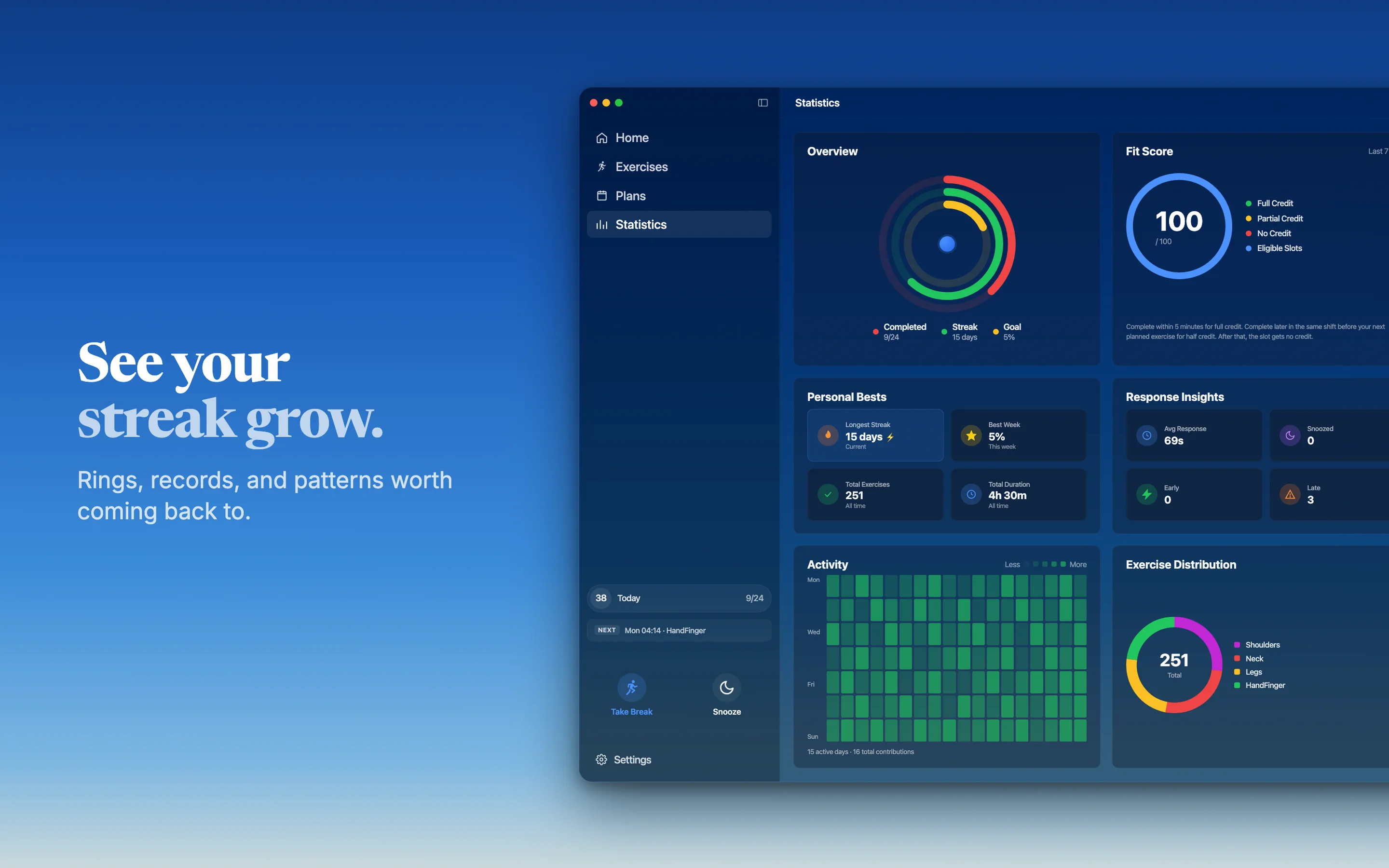
If you want the hand break above to become a habit, 60sReset can remind you every 20, 40 or 60 minutes. The Mac app times reminders to your work hours, including night shifts that run past midnight, and you can snooze a reminder for 2 minutes if it lands mid-sentence. An optional menu bar widget shows today's progress and your next reminder. It cannot see how you type or tell whether your symptoms need a clinician; it only prompts the break.
RSI FAQ
Can RSI go away on its own?
According to the NHS, RSI often gets better on its own, and most people manage their symptoms and get better without further treatment. The NHS advises keeping active rather than resting the area for long, and seeing a GP if symptoms are not going away or are getting worse. Only a clinician can diagnose this.
Is RSI the same as carpal tunnel?
No, RSI is a broad term for pain from repetition. Carpal tunnel syndrome is a specific condition: a squeezed nerve at the wrist. It can cause numbness, tingling or pain in the thumb and nearby fingers, often at night. MedlinePlus says researchers are not sure whether long-term typing or computer use leads to it. Only a clinician can diagnose this.
Can phone use cause RSI?
It may add to the load. The NHS describes RSI as pain caused by repeated use of a body part. The HSE counts smartphones as display screen equipment that, used badly, can lead to pain in the arms, wrists and hands. Long stretches of thumb typing and scrolling repeat the same small movements. Only a clinician can diagnose this.
How often should you take breaks?
A short break every 20 to 40 minutes is a practical target at a computer. In one study of computer workers, breaks every 20 minutes showed the clearest drop in discomfort. The HSE advises taking short breaks often rather than longer ones less often, ideally at times you choose.
Is a trackpad worse than a mouse for RSI?
There is no simple answer. OSHA's workstation guide treats touchpads as one option that may be less tiring for certain tasks. It puts the weight on setup: keep the device close to the keyboard, use a light touch and keep your wrist straight. If you use a mouse, switching hands now and then gives one hand a rest.
Sources
Links checked on 20 October 2026.
- NHS. Repetitive strain injury (RSI).
- NHS. Wrist pain.
- NHS. Symptoms of a stroke.
- MedlinePlus, US National Library of Medicine. Carpal tunnel syndrome and Carpal tunnel syndrome (Medical Encyclopedia).
- OSHA, US Department of Labor. Computer Workstations eTool: Keyboards, Pointer/Mouse and Wrist/Palm Supports.
- UK Health and Safety Executive. Working safely with display screen equipment: Overview, Good posture and Work routine and breaks.
- McLean L, et al. Computer terminal work and the benefit of microbreaks. Applied Ergonomics, 2001;32(3):225-237. PMID 11394463.
- Albulescu P, et al. "Give me a break!" A systematic review and meta-analysis on the efficacy of micro-breaks for increasing well-being and performance. PLoS One, 2022;17(8):e0272460. PMID 36044424.
- Apple Support. Replace text and punctuation in documents on Mac, Dictate messages and documents on Mac, Change Trackpad settings on Mac and Mac keyboard shortcuts.